Plan your way
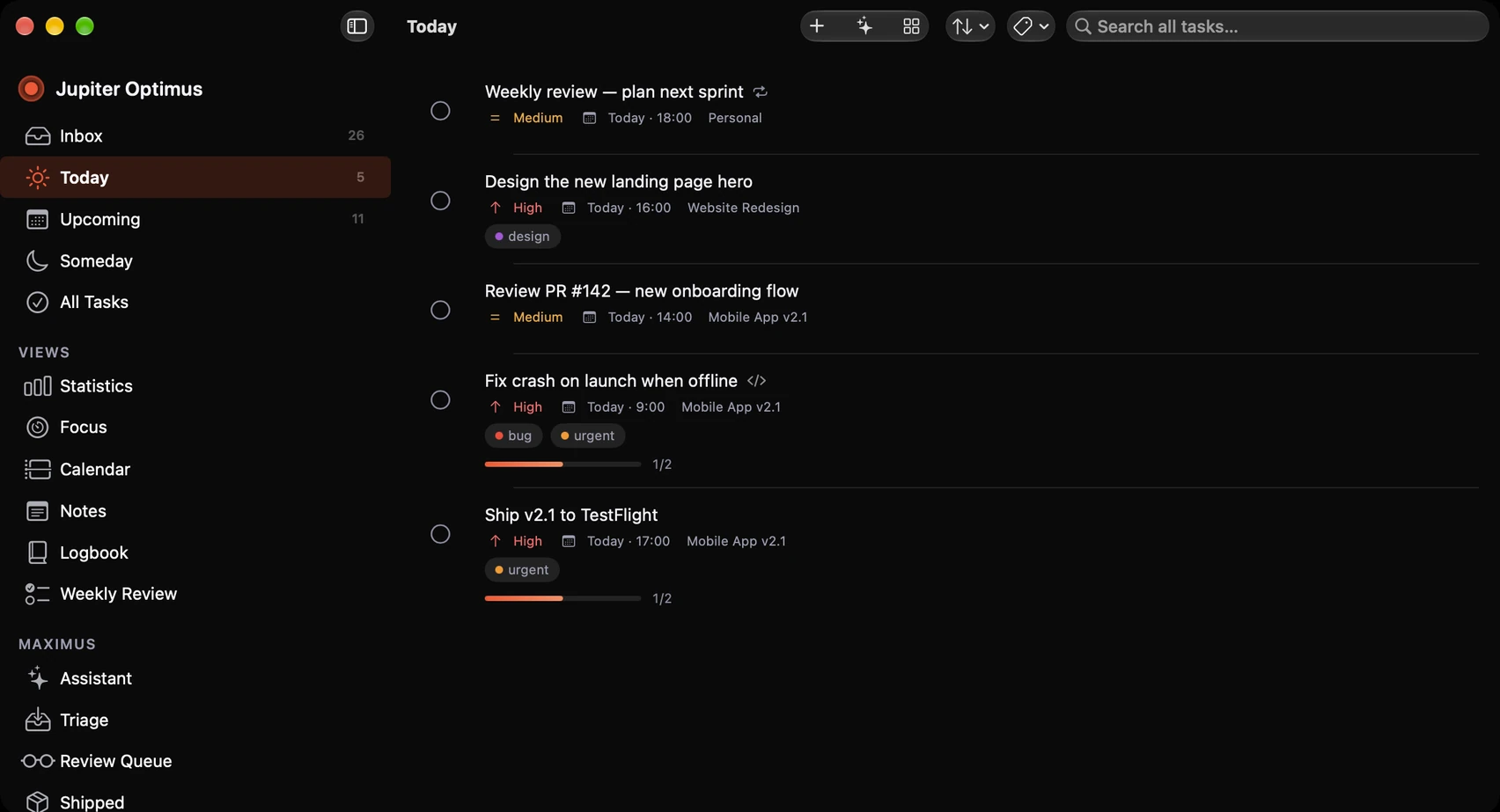
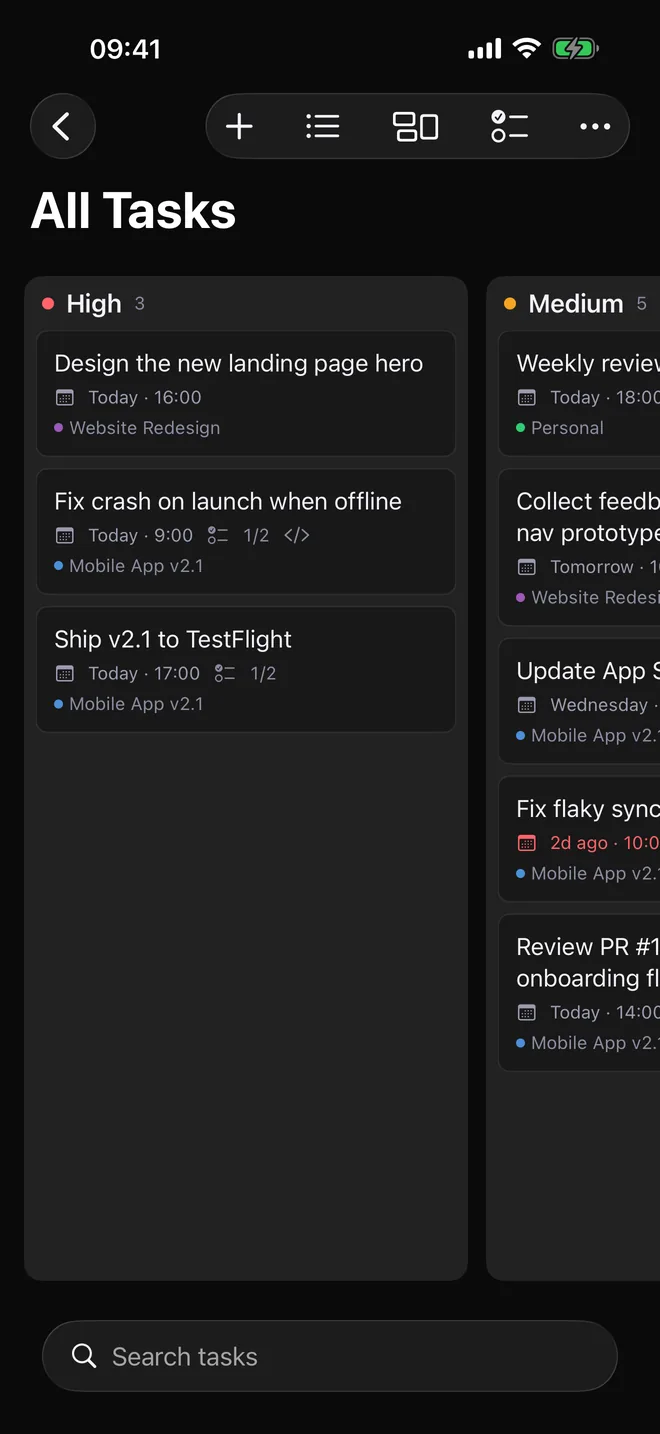
List, kanban board and calendar views with projects, spaces, sections and smart lists.

Native productivity · Private by design
A focused task manager for people who ship. Plan with GTD, work in deep focus, turn Git issues into action, and ask Maximus what matters next.
$9.99 / year · 7-day free trial · iPhone, iPad, Mac & Apple Watch
Mission control
Capture an idea, shape the project, choose what becomes actionable, then finish it without switching between five tools.
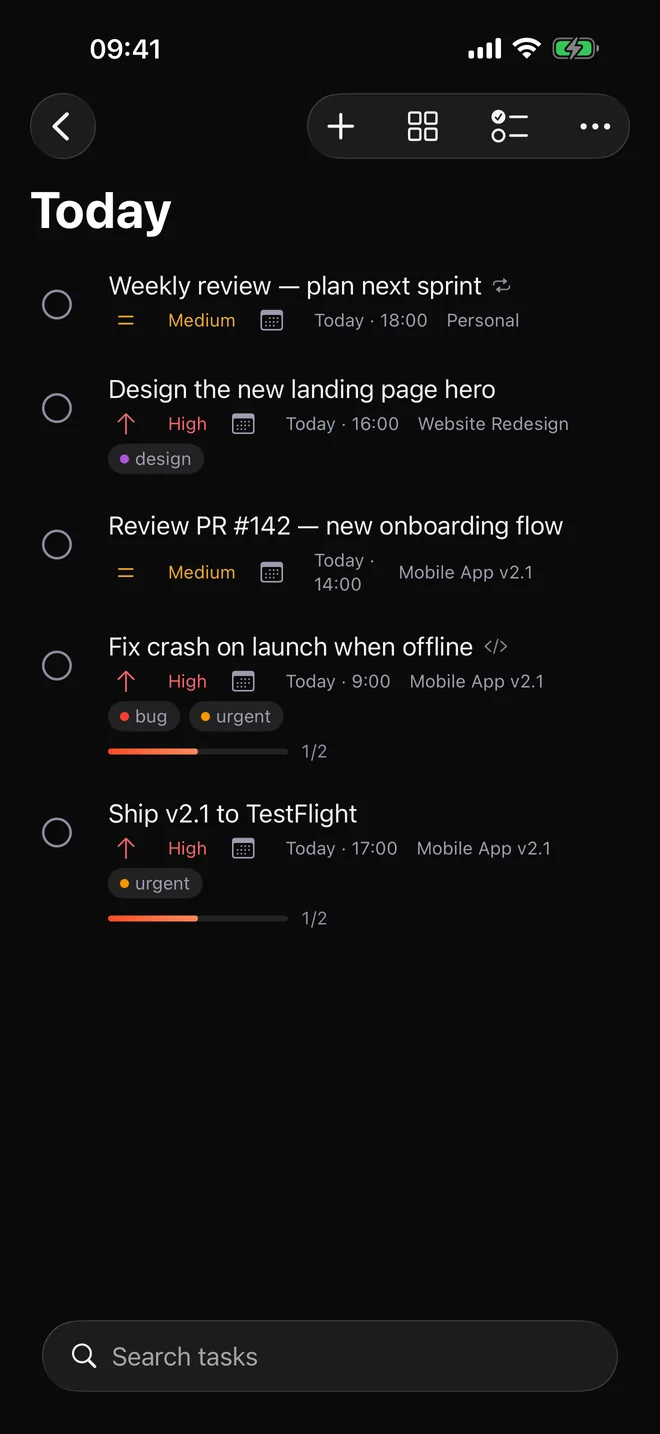
On iPhone
The same tasks, projects and notes on iPhone, iPad and Mac, kept in step through your private iCloud.
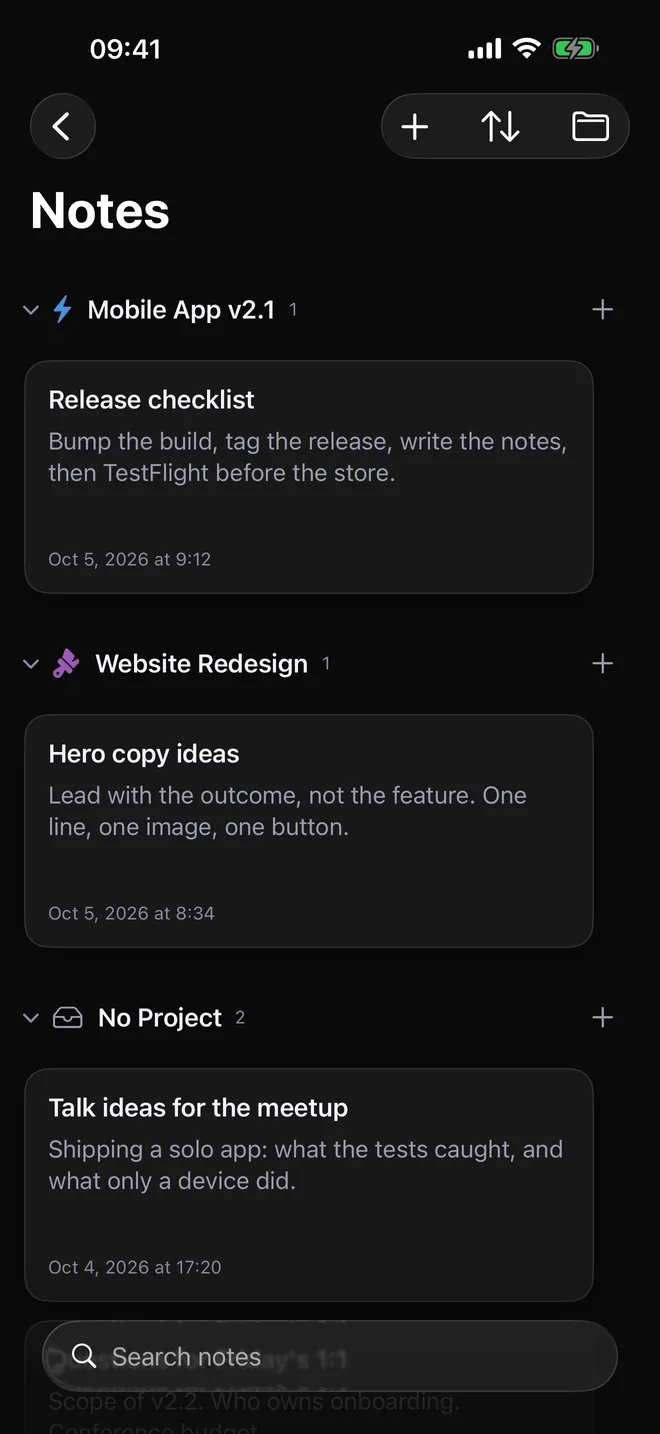
From signal to done
Jupiter Optimus keeps the mechanics quiet. You see the next meaningful action, not the machinery behind it.
Quick Add understands dates, priority and tags. Import from Reminders, Todoist, TickTick or plain text — in the background, with a progress bar.
Organize with projects, sections, smart lists, start dates, Someday and recurring tasks.
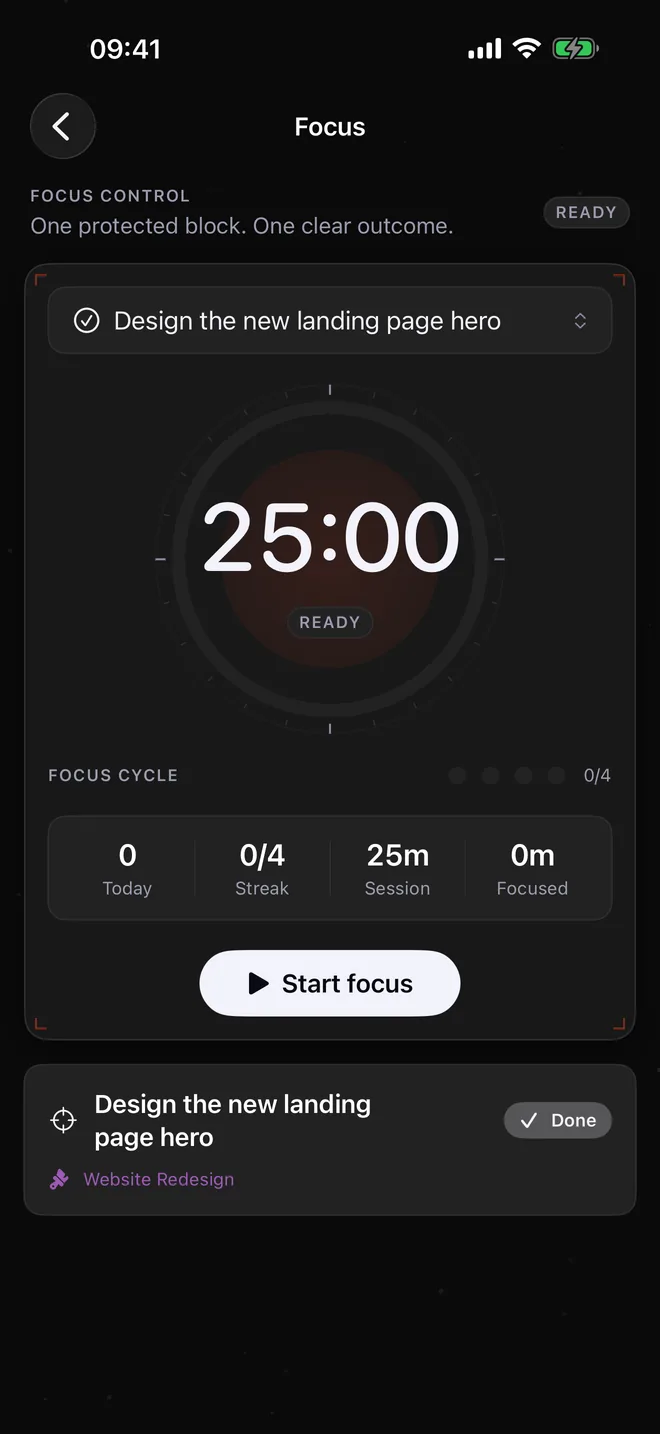
Start a Pomodoro, track time and keep the countdown visible with Live Activities.
Walk the guided weekly review, undo any action you regret, share what you shipped, and move completed Git issues across the finish line.
Maximus · On-device command layer
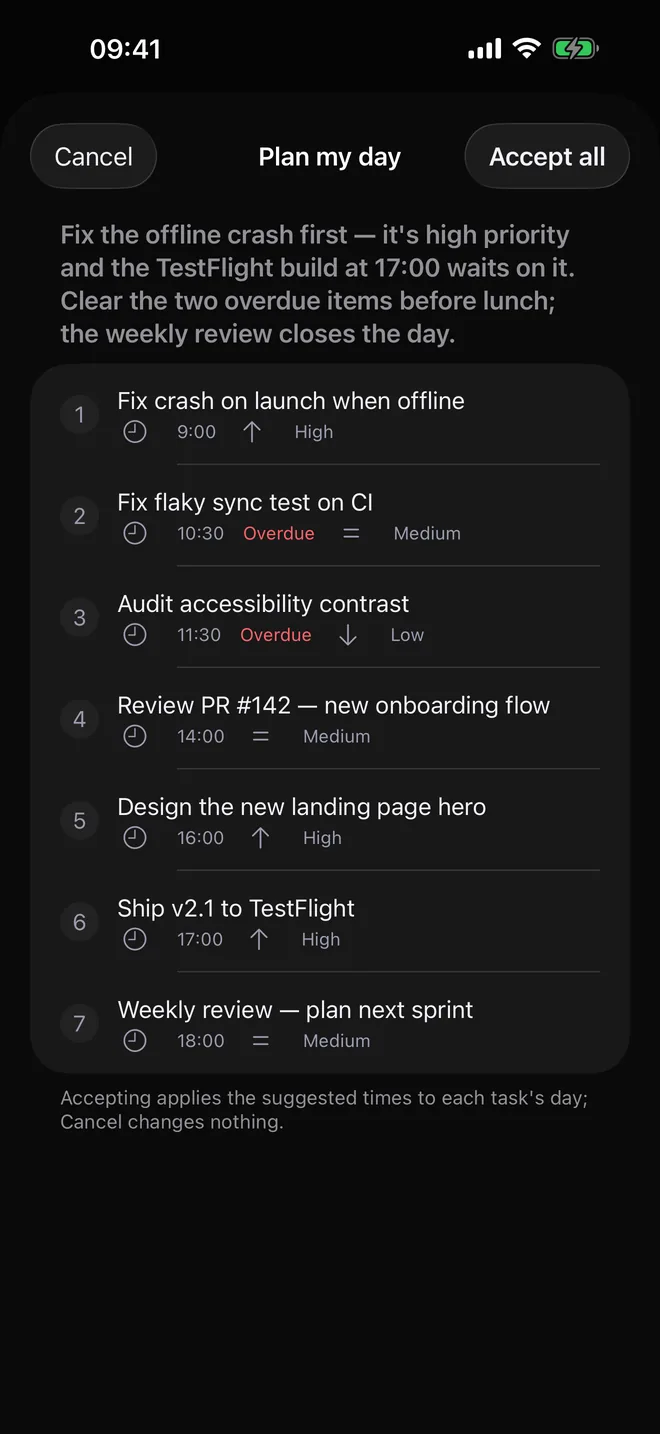
Ask Maximus to plan your day, find what is stale, review the week or turn a rough thought into a clear next action. It reads your current task context and proposes a plan. You stay in command.
What should I focus on next?
High priority · Due today · 45 min estimate
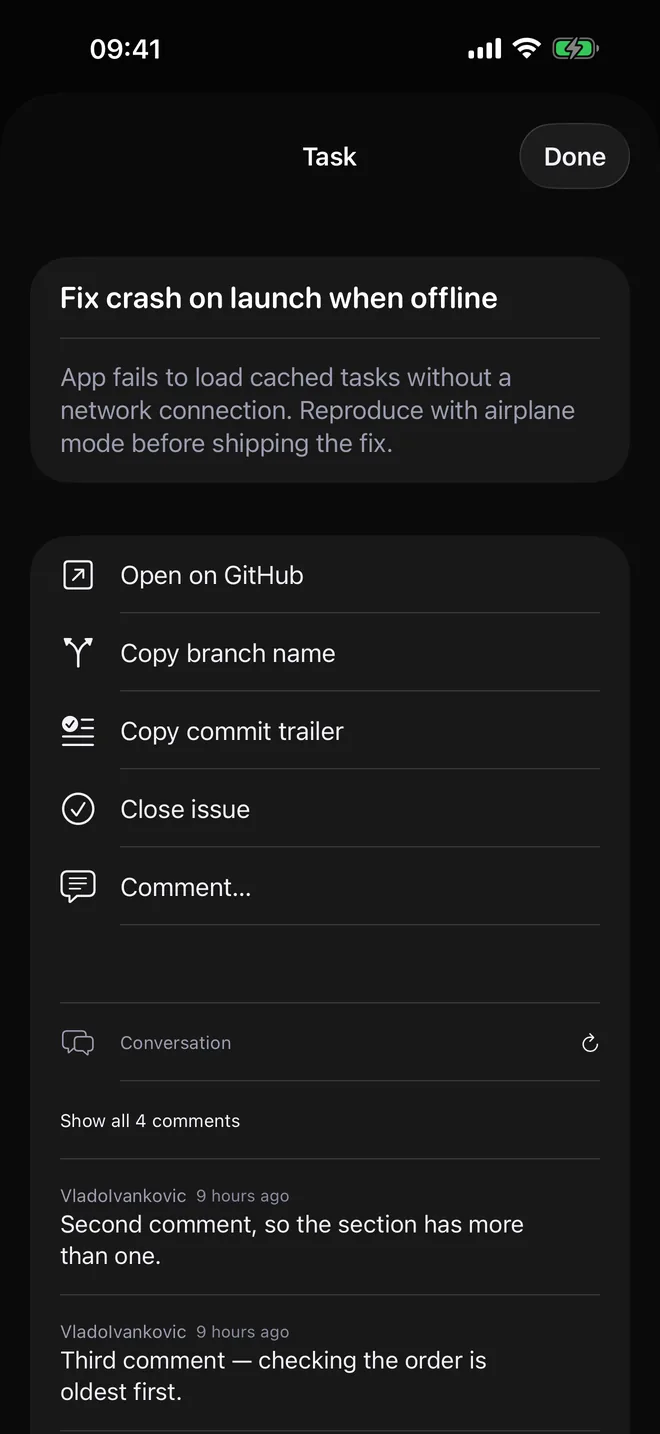
Git issues, meet your day
Connect GitHub or GitLab, import issues into the project where they belong, and track them beside the rest of your work. Labels set the priority, milestones become sections, and any task can become an issue in your repository. Optional write-back can close the issue when you complete the task.
Full flight system
List, kanban board and calendar views with projects, spaces, sections and smart lists.
Keep reference files and images directly with the task.
See overdue, today, tomorrow and later grouped into a readable agenda.
A daily backup to your own iCloud Drive, plus lossless export and non-destructive restore. Your work is yours to keep.
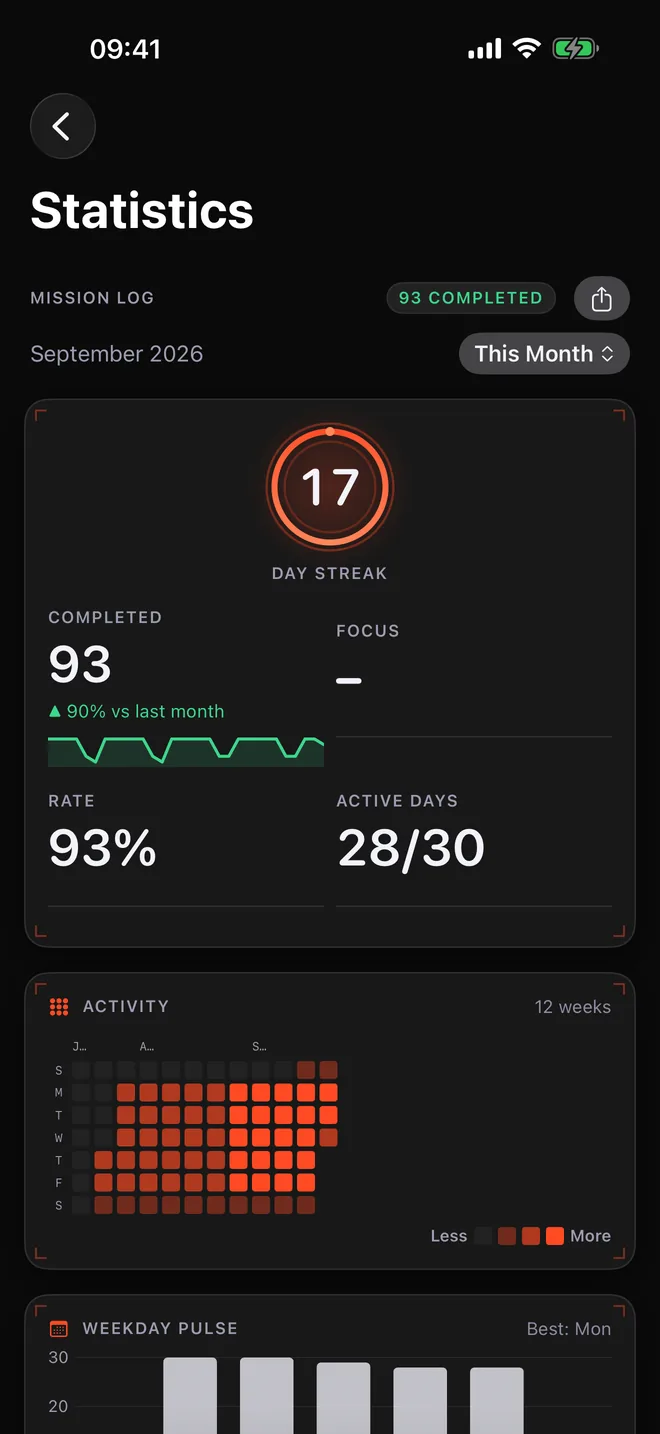
Focus sessions, time tracking, streaks and momentum statistics make quiet progress visible.
An API key, a licence code, the door code. Encrypted on your device, opened with Face ID or Touch ID, never indexed and never sent anywhere.
Put a project, a smart list, Inbox, Today or Upcoming on your Home Screen or desktop, or the whole week ahead. Complete a task without opening the app.
A short pass over the Inbox and every project's stale tasks: decide, schedule, park or let go. One undo step for the lot.
Board on one project, list on the next, its own sort and tag filter — every list remembers how you left it.
Today, this week, this month, this year or all time — completed, focus, rate and active days follow, with the change against last period. Share it as a card.
Project tasks with no date show below your Inbox, so the work that still needs a decision is one tap away. Off switch in Settings.
Private by architecture
Your tasks live in your private iCloud database. Jupiter Optimus operates no task server and collects no analytics. AI and Git credentials stay in your device Keychain and connect directly to the services you choose. The vault’s key never leaves your iCloud Keychain, so nobody can read your vault — including us.
One honest price
No artificial limits, add-ons or higher tier waiting around the corner.
Cancel anytime in your Apple subscription settings.
Flight notes
Everything important, without the fine-print fog.
Start the trial from the app. The App Store handles the purchase and cancellation. After the trial, the subscription is $9.99 per year.
Maximus uses your own Anthropic, OpenAI, Google or OpenAI-compatible API key. Requests go directly from your device to your chosen provider. AI usage is billed separately by that provider.
In your private iCloud database, synced by Apple across your devices. We operate no task server and collect no analytics.
iPhone and iPad with iOS 17 or later, Mac with macOS 14 or later, and Apple Watch with watchOS 10 or later. One subscription covers all of them.
No. Every integration is optional. Jupiter Optimus works as a complete task manager without connecting an external service.
Yes. Open the task, choose Create issue, pick the repository and send the tags along as labels. The issue is created with your own token, in your own repository, and the task links to it like an imported one. The token needs permission to write issues.
Yes. Import from Apple Reminders, Todoist CSV, TickTick CSV or pasted text. Imports run in the background with a progress bar and are additive, so your existing Jupiter Optimus data stays intact.
No. It is a small safe for the few strings you would rather not keep in plain text next to a task — an API key, a licence code, a door code. Items are encrypted on your device with a key kept in your iCloud Keychain, so every device signed into your iCloud can open them and nobody else can, including us.
Now in orbit
Jupiter Optimus is on the App Store for iPhone, iPad, Mac and Apple Watch.
What’s new in 1.8 Read the guides Questions? Contact mission support